Understanding Selfie Mosaic Basics
What is a selfie mosaic?
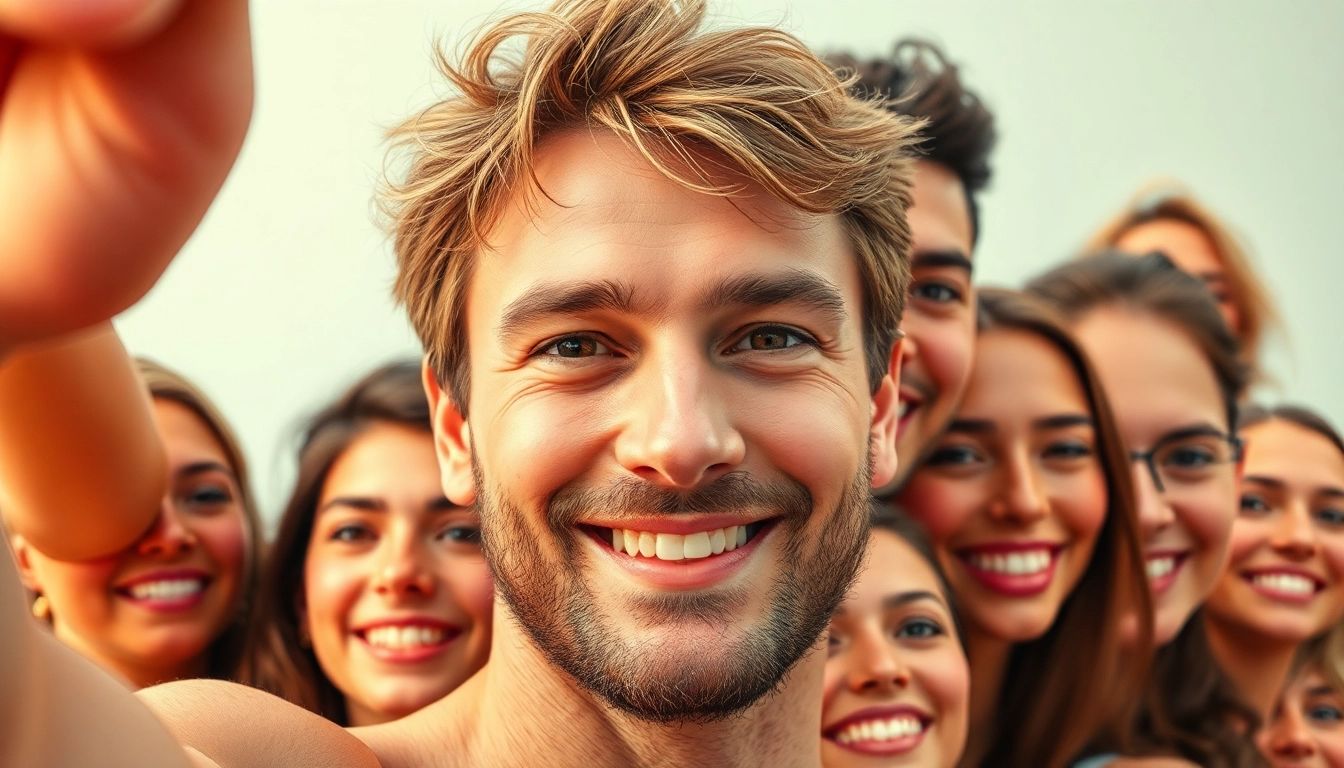
A selfie mosaic is an artistic composition created by combining multiple individual selfies to form a larger image. This unique form of digital art transforms personal snapshots into a collective representation that often resonates with a deeper meaning or enhances the visual appeal. Selfie mosaics have become increasingly popular in recent years, especially with the rise of social media platforms encouraging self-documentation and sharing of experiences through images.
Importance of individualized photos
Individualized photos are crucial in selfie mosaics as they provide texture, diversity, and uniqueness to the artwork. Each photo contributes a distinct color and character to the overall composition, which can evoke different emotions from viewers. Using a variety of expressions, angles, and backgrounds also ensures that the mosaic reflects the personality of the individual or group it represents, reinforcing the connection between the maker and the finished piece.
Common applications and uses
Selfie mosaics can be used for various purposes such as personal art projects, marketing campaigns, or community-building initiatives. They can serve as memorable gifts that encapsulate shared experiences, such as family reunions or weddings. In businesses, they can strengthen brand identity by incorporating customer selfies or employee headshots. Educational institutions might use them to foster school spirit by integrating images of students and staff.
Gathering Materials for Your Selfie Mosaic
Choosing the right photos
The foundation of a great selfie mosaic lies in the selection of photos. Aim for diversity in both content and quality—consider the expressions, angles, and lighting. High-resolution images yield better clarity, while various poses ensure a more dynamic and visually interesting final product. Photographs that reflect genuine emotions tend to create a more impactful mosaic that resonates with the audience.
Essential tools and software
Creating a selfie mosaic involves a combination of tools and software. Free online tools like Mosaic Maker can simplify the process, but more advanced software like Adobe Photoshop offers superior features for those looking to customize their mosaics. Familiarity with graphic design software can also enhance your creative control. Mobile applications may allow for on-the-go editing and arrangement, making it easier to create mosaics directly from your smartphone.
Color palettes in selfie mosaics
Color palettes play a pivotal role in the visual harmony of your selfie mosaic. Choosing complementary colors can enhance the overall aesthetic and mood of the piece. Consider running color analysis on your selected images to find a unifying theme. Utilizing tools that allow you to preview how the colors from individual images combine can lead to more visually appealing results.
Step-by-Step Guide to Creating Your Selfie Mosaic
Importing and arranging images
The first step in creating your selfie mosaic is to import your selected images into the software of your choice. Arrange them based on the desired layout; you might choose a grid pattern or a more organic clustering approach. Ensure that the images are spaced evenly to create cohesion in the final composition. You may also define the dimensions of your mosaic at this stage to set boundaries for your design.
Editing for cohesion and style
Editing is crucial for unifying the images in your mosaic. Consider adjusting brightness, contrast, and saturation so that the colors and tones match more closely across all images. Using filters can also help create a consistent look. If certain images are particularly dominant or distracting, cropping them strategically can help them better fit into the overall design.
Final touches to enhance appeal
Adding final touches can elevate a selfie mosaic from good to great. Consider adding a subtle border or shadow effect to create depth. Text overlays, such as quotes or names, can also personalize the piece, giving it context and meaning. Finally, review the overall image to ensure that every section contributes effectively to the larger design.
Best Practices and Tips for a Perfect Selfie Mosaic
Optimizing image quality
Image quality matters significantly in creating a selfie mosaic. Always opt for high-resolution images to avoid pixelation when the mosaic is scaled up. Pay attention to the color profiles, as mismatches can lead to undesired effects. Regularly preview the mosaic at different sizes during the creation process to ensure that it maintains clarity and quality.
Balancing color and contrast
Maintaining balance in color and contrast is essential for a visually pleasing selfie mosaic. Though vibrant colors can attract attention, too much variation can create a chaotic appearance. Aim for a harmonious blend of tones, ensuring that no single area stands out too much unless intentionally desired. This balance allows viewers to appreciate the broader picture without distraction.
Debugging common issues
During the creation process, various issues may arise, such as image misalignment or color mismatches. Regularly checking the alignment of images throughout the creation process can help avoid significant adjustments later. When faced with colors that don’t blend well, consider experimenting with various image alterations or layering techniques to achieve the desired effect.
FAQs about Selfie Mosaics
How can I find the best photos for my mosaic?
Look for diverse expressions and angles; varied lighting can enhance the overall effect. Aim to include around 100-200 images for richer detail.
What software is recommended for creating a selfie mosaic?
Popular choices include Adobe Photoshop, Mosaic Maker, and dedicated apps that simplify the process. It depends on your comfort level with tools.
Can I resize the images in my selfie mosaic?
Yes, resizing can help fit the images better in your mosaic, ensuring a more cohesive look. It's important to maintain proportions when resizing.
Are there any tips to promote my selfie mosaic online?
Utilize social media, hashtags, and engage with online communities to showcase your work. Collaboration with influencers can also amplify reach.
How can I ensure my selfie mosaic looks professional?
Focus on high-quality images, balanced color schemes, and avoid overcrowding the layout. Regularly seek feedback from trusted peers.